 Vision Experience
Why a visual aid
Lenses are hard to explain in words: reflections, thickness, zones of clarity. The customer has no reference point. A visual aid gives them one. How you use it matters, though: a tablet only the optometrist looks at, or a long slideshow, loses the customer as fast as a leaflet.
Three steps for a consultation with a tablet
- Ask, do not show yet. What does a day look like for them (screens, driving, reading)? What bothers them now? Only then do you choose what to show.
- Show one thing, the one tied to their answer. If they complained about reflections in the evening, show the anti-reflective coating. If it is their first progressive pair, show the lens zones. Do not go through the whole menu.
- Let them do it. Put the tablet in their hands: a slider they move themselves, before and after, convinces more than a sentence. Then stay quiet for a second and ask: “What do you notice?”
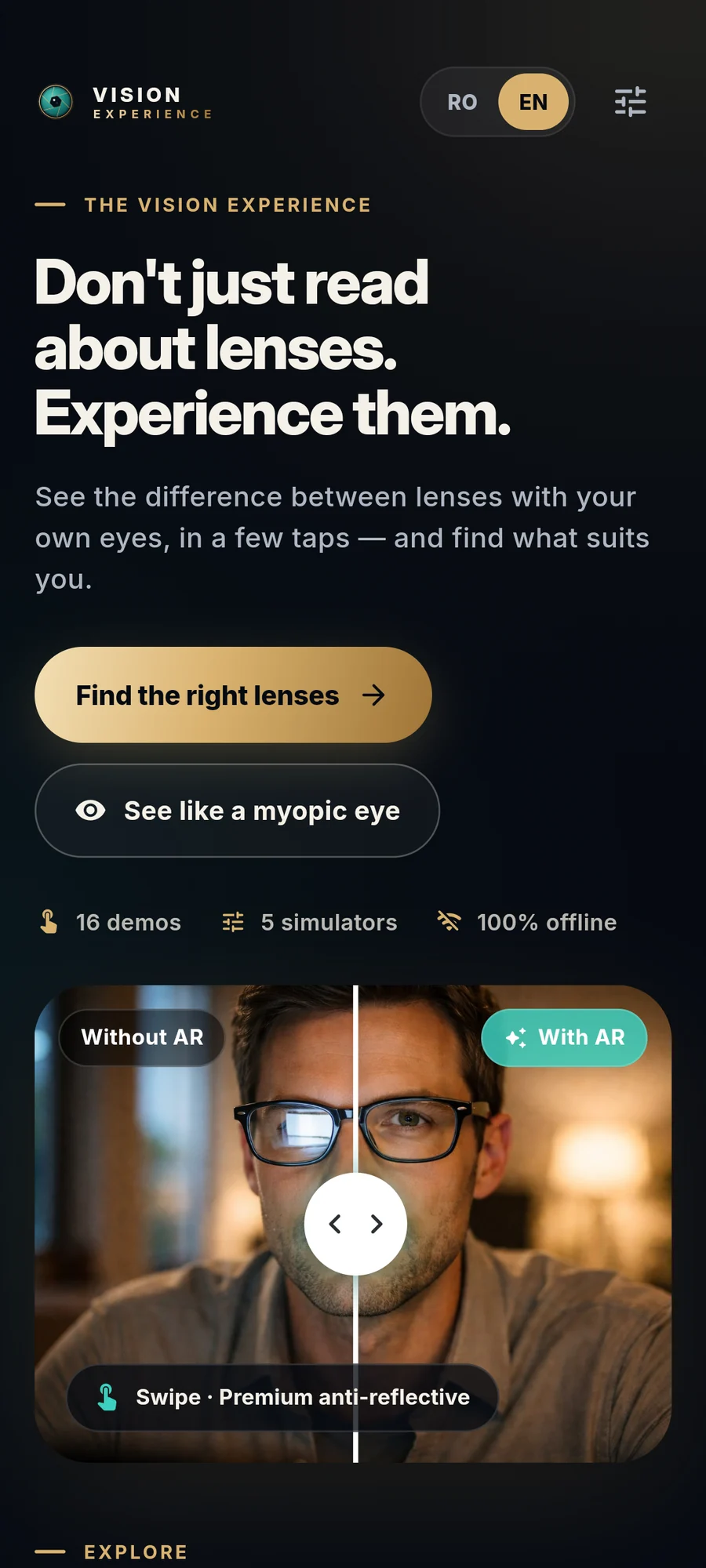
What you can show (and how it ties to what you say)
| What you show | What the customer sees | The phrase that goes with it |
|---|---|---|
| “See the world as a short-sighted person” simulation, then corrected | the difference between blurred and corrected vision, with a slider | “This is how you see now without glasses. Move the slider to see it with correction.” |
| Anti-reflective coating, with and without | the same picture, with reflections and without | “Look at the window in the picture: what changes?” |
| Thin vs. standard lenses | how the thin lens compares with the standard one, moving a slider | “With your prescription, the difference in thickness shows here.” |
| Photochromic | how the lens darkens and clears | “One pair instead of two, with a short delay when it clears.” |
| Progressives and the other types | the lens types (single-vision, progressive, office) and how they differ | “With progressives the change is gradual, with no visible line.” |
Vision Experience includes 16 demonstrations and 5 simulators, grouped by the customer’s interest (how they see, everyday clarity, lenses after 40) and working offline. The app is neutral: it carries no optical chain’s name or prices, so you can use it in your own practice.
When to put it aside
- The customer just wants to leave quickly. Two minutes of verbal explanation may be enough.
- It is not tied to the problem. If the tablet does not answer their question, close it.
- It is not the moment for the price. The tablet explains; the price is discussed separately, once they understand what they are getting.
How it helps new staff
An app with clear sections gives new colleagues an order for the explanation: from what the customer feels, to what you show, to what you say. Set up a 10-minute exercise: each newcomer explains three lenses in turn using the tablet while a colleague plays the customer. The seven phrases in the wording guide fit right over the demonstrations.
Practical details
- Maximum brightness and a clean screen: images with reflections look poor on a dirty screen.
- The tablet in landscape, on a stand or in the customer’s hands, not between you like a wall.
- There is no need to enter customer data in the app: it is a visual aid, not a customer file.
- Charge the tablet overnight; a consultation interrupted by a flat battery is no longer “premium”.
The app is also available as a free demo: try it in your practice before deciding, using the link on the Vision Experience page.
Frequently asked questions
Does it only work on a tablet?
Do I need internet in the practice?
Does it carry an optical chain’s name or prices?
How long does a consultation with the tablet take?
Sources and further reading

Optometrist with over ten years in medical optics. Writes about what works in a real practice or shop, and builds the apps that daily work called for.
About the author