 Vantage
What Google forbids
Google’s user-generated content policy for reviews prohibits, among other things, a business from:
- offering incentives in exchange for a review: payment, discounts, free goods or services;
- discouraging negative reviews or selectively soliciting positive reviews, that is, asking only happy customers for a review;
- asking staff for a set number of reviews or pressuring customers to leave a review while on the premises.
It is allowed to encourage reviews that represent a genuine experience, without incentives and without trying to influence the rating. In practice: you can ask all customers, in the same way, for their opinion.
Why “gating” is a bad idea
The temptation is strong: you run an internal survey, send the Google link to those who give high scores and not to the unhappy ones. That is exactly the “selective solicitation” the rule forbids. The right approach is to use the internal survey to learn and fix (see feedback at order pickup) and to send the Google link to everyone, with the same message, whatever the internal score.
How to get the link and QR code
Google provides the tools inside your business profile:
- Open Google Business Profile and select your business.
- Go to the reviews section and choose “Get more reviews”.
- Copy the link or download the QR code; the code takes the customer straight to the review form.
The QR code can be generated from a computer, not from the mobile app. You can put it on a receipt, in a thank-you email, in a message after pickup or on a sign at the counter.
How to ask, without pressure
- The same sentence for everyone: “If you liked how we worked, an honest Google review helps us a lot. Here is the code.”
- No gifts or discounts tied to a review, not even “for your next order”.
- No targets for staff (“five reviews a day”): Google’s rule forbids it explicitly.
- Do not stand next to the customer while they write. They can leave the review at home, at their own pace.
- Do not ask for “five stars”. Ask for their honest opinion.
How to reply to reviews
Reply to every review, especially the negative ones. The reply is public and new customers read it too.
| Situation | What you say | What you avoid |
|---|---|---|
| Positive review | thank them by name if you know it, mention a real detail from the visit | the same copied reply to everyone |
| Justified negative review | apologise specifically, say what you will do, give a way to contact you (phone, email) | excuses, a defensive tone, medical or personal details about the customer |
| Unjustified negative review | a calm, factual, short reply; suggest talking directly | accusations, sarcasm, disclosing personal data |
| Fake review or one outside the rules | report it through Business Profile | publicly demanding its removal |
How reviews connect to internal feedback
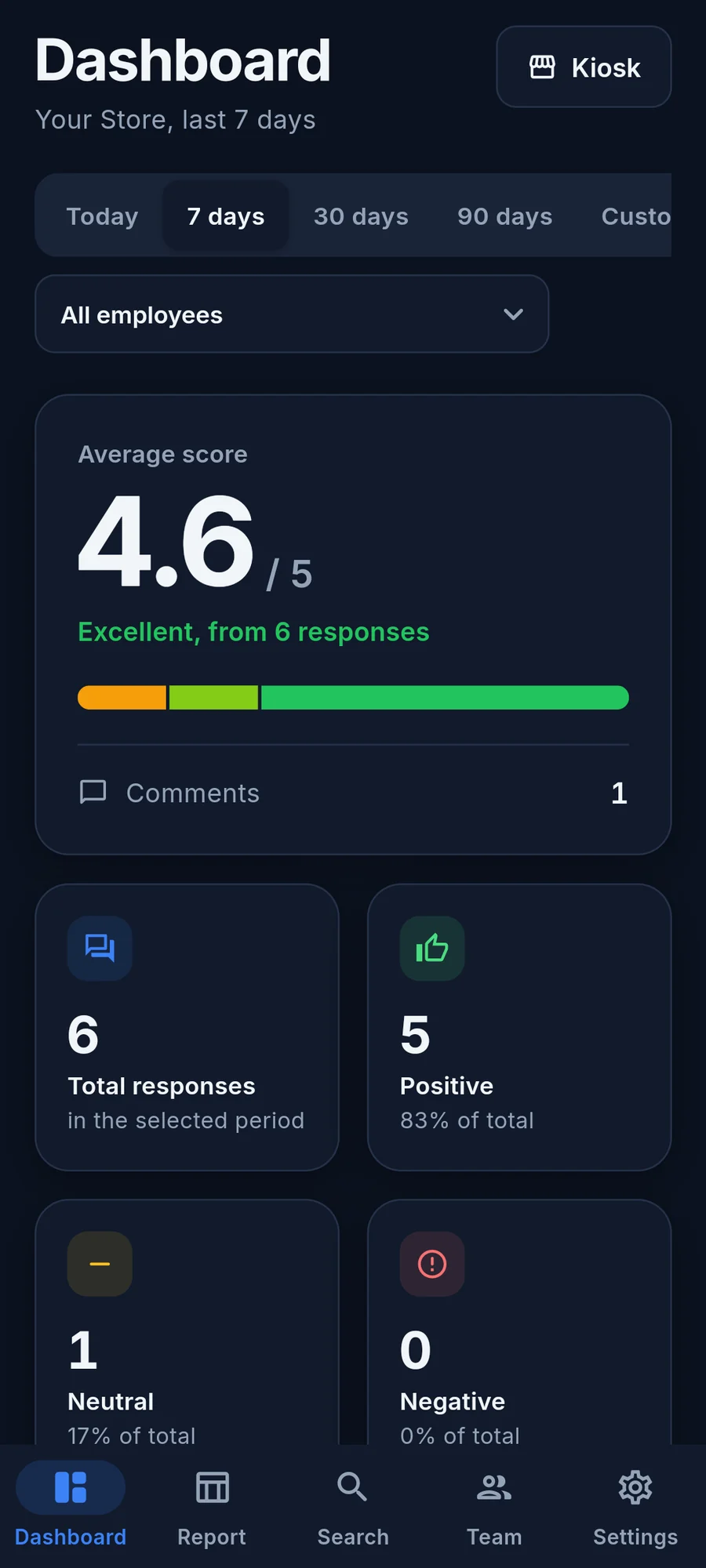
The two complement each other: internal feedback, asked on the spot, shows what to improve and gives you a chance to solve a problem in time. Public reviews bring new customers. If you improve the experience based on internal feedback, public reviews will reflect it over time. A tool like Vantage helps with the internal side: an offline kiosk on a tablet, scores per employee and export to Excel.
Frequently asked questions
Can I offer a discount to customers who leave a review?
Can I ask only satisfied customers for reviews?
Can I display a QR code at the counter?
What should I do about a fake review?
Sources and further reading

Optometrist with over ten years in medical optics. Writes about what works in a real practice or shop, and builds the apps that daily work called for.
About the author Vision Experience